Deployment
Deploy your agent to a development environment or production with a CI/CD pipeline.
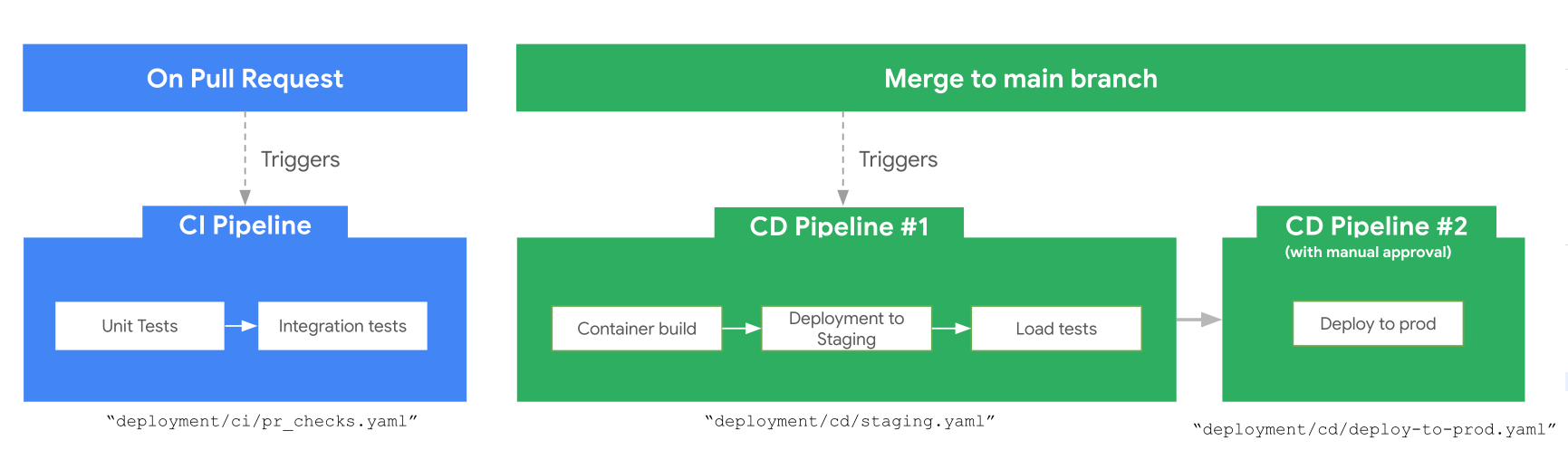
Infrastructure vs Deployment
Infrastructure (agents-cli infra) provisions the cloud resources your agent needs — service accounts, IAM bindings, APIs, telemetry buckets, and Terraform state. It sets the stage but doesn't run your agent.
Deployment (agents-cli deploy) takes your agent code and puts it on the provisioned infrastructure — building a container, pushing it to a registry, and starting the service.
The typical flow: provision infrastructure first, then deploy on top of it.
Deploy to a Dev Environment
The simplest path to a running deployment:
1. Set your dev project:
2. Deploy the agent:
The command reads your deployment_target from agents-cli-manifest.yaml (under create_params) and dispatches to the right flow:
deployment_target |
What happens |
|---|---|
agent_runtime |
Deployment to Agent Runtime in Gemini platform (fully managed) |
cloud_run |
gcloud beta run deploy (container on Cloud Run) |
gke |
Terraform + Docker build + kubectl apply |
The deployment target is set when you create your project:
To change the deployment target for an existing project, use scaffold enhance:
Run agents-cli scaffold enhance --help to see all available options.
Tip
To enable observability features (prompt-response logging, content logs), run agents-cli infra single-project --apply before deploying. Terraform provisions the telemetry resources, and the subsequent deploy uses them. See the Observability Guide for details.
Verify it works:
Deployment Targets
Agent Runtime
Selected with agents-cli create my-agent -a adk -d agent_runtime, or create_params.deployment_target: agent_runtime in agents-cli-manifest.yaml.
Fully managed runtime: you provide a Dockerfile (scaffolded for you) and Agent Runtime builds and runs the container — no cluster or service to operate:
Pass Docker build args or a container port; a prebuilt --image is not supported (Agent Runtime always builds from the Dockerfile):
Check on an async deployment:
agents-cli deploy --no-wait     # Start and return immediately
agents-cli deploy --status      # Check progress later
Cloud Run
Selected with agents-cli create my-agent -a adk -d cloud_run, or create_params.deployment_target: cloud_run in agents-cli-manifest.yaml.
Builds a container from source and deploys as a Cloud Run service:
Override resource limits:
Deploy a pre-built image instead of building from source:
Tip
If you need more advanced Cloud Run deployment features not exposed via agents-cli flags, use --dry-run (or -n) to print the full gcloud command. You can then copy it and add additional arguments as needed.
GKE
Selected with agents-cli create my-agent -a adk -d gke, or create_params.deployment_target: gke in agents-cli-manifest.yaml.
Deploys to a GKE cluster using Terraform and kubectl:
Next Steps
- CI/CD & Production — set up automated pipelines for staging and production
- Observability — monitor your deployed agent